
Fullbay vs MetaFleet
Both are built for heavy-duty diesel repair. But they are designed for completely different operations. Here is an honest breakdown of which one fits your shop.
Built for shop-based heavy-duty truck and trailer repair. Strong inventory management, QuickBooks integration, and multi-bay workflow for fixed locations.
⚠ Limited for mobile and roadside operations

Built for mobile diesel and heavy equipment repair shops. AI dispatch, call-to-cash automation, parts inventory, customer portal, payment processing, and a field-native mobile app. Simple, intuitive, and fast to learn for crews working roadside and on-site — as well as in-shop operations.
✓ Purpose-built for mobile operations
The fundamental difference
Fullbay's tagline is "The #1 Heavy-Duty Truck & Trailer Repair Shop Software." That word shop is the key. Fullbay was designed to run a bay-based operation. The workflows, the inventory system, the customer portal: everything assumes your techs are working inside a fixed location.
MetaFleet was built for a different reality: the tech is in a service truck, not a bay. The customer is stranded on a highway or has equipment down on a job site. Dispatch happens over the phone, jobs change constantly, and getting paid requires the invoice to follow the tech — not the other way around. MetaFleet handles shop operations too, but its core is built for the field.
That is not a knock on Fullbay. They have built a solid product for what they built it for. But if your operation is mobile-first, you are forcing a shop tool to do something it was not designed for.
MetaFleet in action
Purpose-built for the field. From the moment a call comes in to the invoice hitting the customer's inbox.
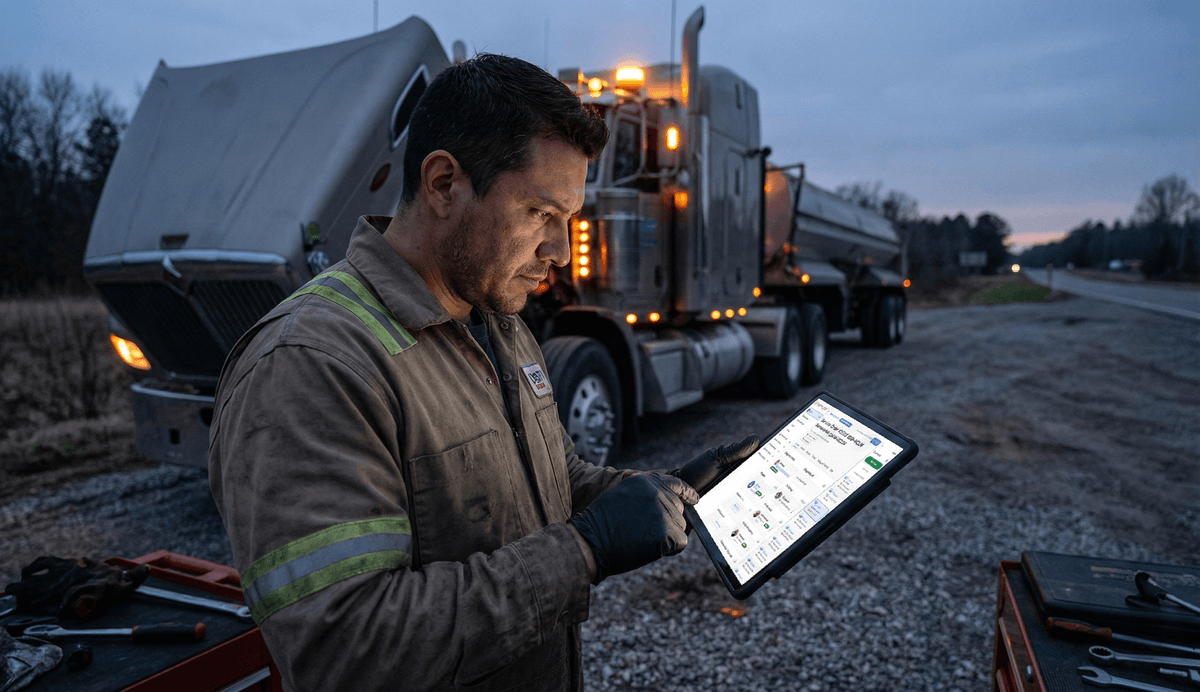
AI dispatch board
Every job, every tech, every status in one live view. AI handles assignment automatically.
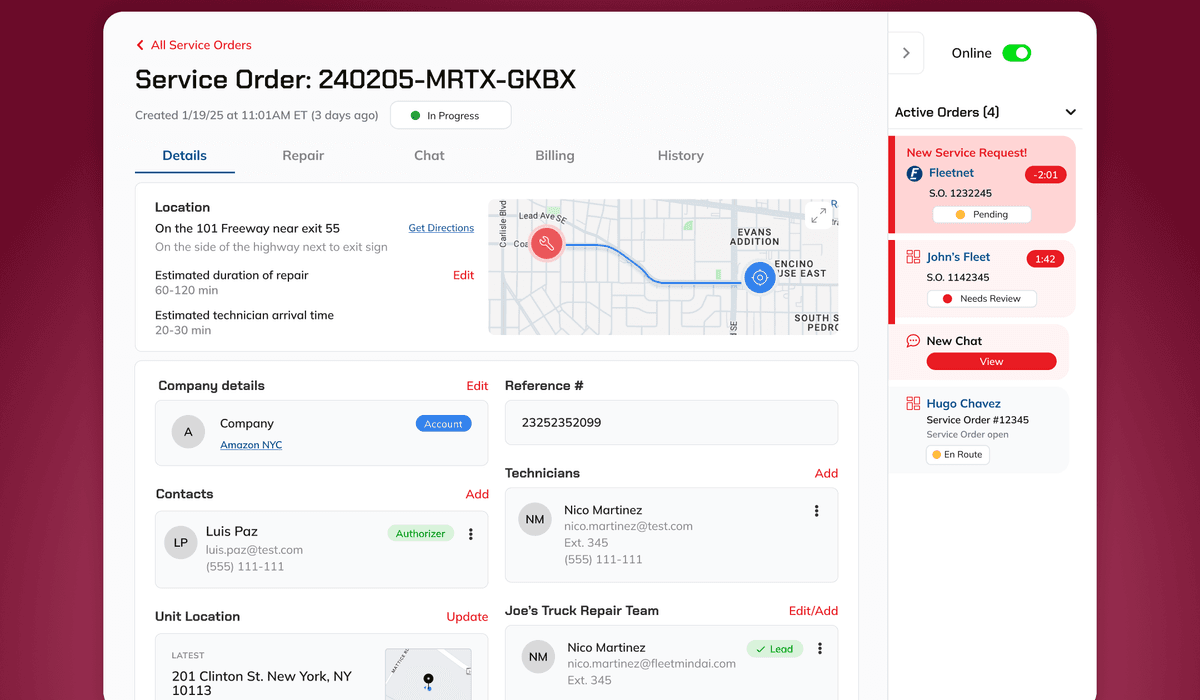
Smart job assignment
The right tech, matched to the job automatically based on location, skills, and availability.
Feature comparison
| Feature | Fullbay | MetaFleet |
|---|---|---|
| Purpose-built for mobile and roadside ops | ||
| AI dispatch (auto-assigns jobs to techs) | ||
| Call-to-invoice automation | ||
| AI call capture (extracts job details from calls) | ||
| Field-native mobile app | Limited | |
| Works in low/no connectivity | ||
| Real-time dispatch board | ||
| Automated invoicing on job close | ||
| Parts inventory management | ||
| Customer portal | ||
| Payment processing | ||
| FleetNet integration | ||
| QuickBooks integration | Coming 2026 | |
| MOTOR/FleetCross parts database | ||
| Multi-bay shop management |
Where Fullbay struggles for mobile operations
These are not speculative criticisms. They are consistent complaints from real Fullbay users on G2 and Capterra.
The mobile app does not match the desktop
Fullbay's mobile app has significantly less functionality than the desktop version. Techs in the field are working with a stripped-down experience compared to what dispatchers and managers see back at the shop.
Requires consistent internet connectivity
Fullbay requires internet to function. For a shop tech working in a bay, that is fine. For a roadside tech working a breakdown on a remote highway or at a construction site, lost cell service means they cannot update the system. That creates lag, missing job info, and billing gaps.
Dispatch is still manual
Fullbay manages jobs once they are in the system, but it does not automate how calls become jobs or how jobs get assigned. You still need a human making those routing decisions. For shops handling emergency calls and after-hours breakdowns, that bottleneck does not go away.
Pricing adds up fast
Fullbay starts around $258/month but scales with users and features. For a 3 to 5 tech mobile operation, the cost frequently surprises new customers once setup fees and add-ons are factored in.
Who should choose which
Choose Fullbay if:
- Your operation is primarily shop-based — techs work in bays, not service trucks
- QuickBooks integration is a requirement from day one
- You need access to MOTOR/FleetCross parts and labor data
- You have an established customer base using their portal
Choose MetaFleet if:
- Your techs work mobile, roadside, or on-site — not out of a fixed bay
- You are dispatching emergency and after-hours breakdown calls
- You want jobs created automatically from customer calls
- Invoices are late because billing is disconnected from the job
- You are growing from 2 to 5 or more techs and the current system is breaking down
- You need visibility into where your field techs are and what they are working on
- You want a platform that is simple, intuitive, and fast to get your team on
Frequently asked questions
Common questions from shops evaluating both options.