
How to Choose Diesel Repair Shop Software: A Buyer's Checklist
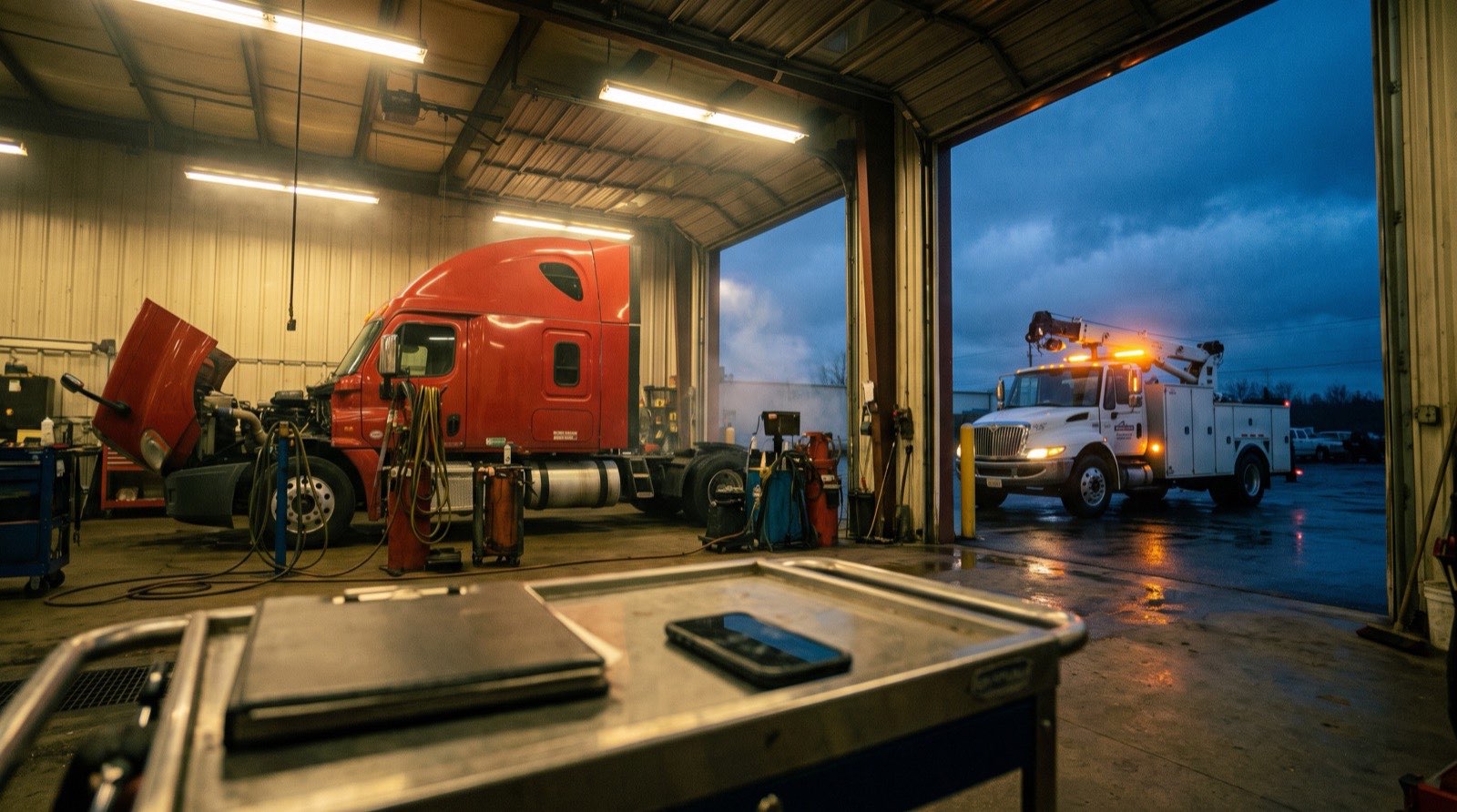
A buyer's checklist for diesel and heavy-equipment repair shops: 12 questions to ask any shop software, why each one matters, what a good answer looks like, and how to test it on a real job.
The short answer: pick the system built for how your work arrives, whether that's road calls, bay work or both, then test it on a real job from your own shop using the checklist below. The right diesel repair shop software carries that job from the first call to the paid invoice, and nobody on your team types the same thing twice.
This guide is for owners and service managers at diesel, truck and heavy-equipment repair shops, mobile or in-shop, who are choosing a shop system for the first time or replacing one. It covers the questions that show whether a system will run your day, and how to see the answers for yourself in a demo.
Start with how your shop runs
Before you look at any software, write down four things. They decide which questions on the checklist matter most to you.
- How work comes in. Mostly breakdown calls from the road or a job site, mostly scheduled bay work, or a mix of both.
- How many techs and trucks you run. Dispatching from memory works with two techs. Somewhere around the third or fourth, jobs start to slip.
- Who you bill. Owner-operators who pay on the spot, fleets on contract, or both. Fleets usually expect approvals, preventive maintenance schedules and statements.
- What you work on. Class 8 trucks, trailers and reefers, heavy equipment, or all of them.
The checklist: 12 questions to ask any shop software
Take this table into every demo. Ask each question, then ask to see the answer happen on screen. Checklist as of October 2026.
| Question to ask | Why it matters | What a good answer looks like |
|---|---|---|
| Does every call become a job? | Calls taken on a personal cell or a sticky note are where jobs and details get lost. | Each call creates a job with the customer, unit, location and complaint, and the call is recorded so you can check what was said. |
| How does it pick the tech? | Sending whoever answers first costs drive time and leaves other techs idle. | It narrows the list by service area, skills and shift, ranks by drive time plus the time left on each tech's current job, and shows why it picked the top tech. Your dispatcher can override it. |
| What happens when nobody takes the job? | A breakdown sits while the office assumes someone is on it. | The job moves to the next tech on its own, and your dispatcher gets an alert if it sits. |
| What do techs use in the field? | If the tech's side is hard to use, notes and photos never make it back to the office. | Techs see the job, update status, add photos and log findings from their phone, with no laptop in the truck. |
| Who writes the complaint, cause and correction? | Shorthand notes turn into vague invoice lines and billing disputes. | The tech logs findings in their own words, and the system turns them into clear repair lines with suggested labor hours for someone to approve. |
| How will you know how your techs and dispatchers are doing? | Without numbers, you find out a tech is slow or a call went badly when a customer complains. | You can see hours, billed work and revenue by tech, how each call was handled, and what's waiting on whom, without building a spreadsheet. The best systems let you ask in plain English. |
| Can it run inspections on your own forms? | Retyping a paper inspection wastes time and loses detail. | You bring the inspection form you already use, techs fill it in on the phone, and preventive maintenance programs tell you when units are due. |
| How do customers approve work? | Phone tag over an approval keeps a truck down. | The customer approves the estimate from their phone, and the approval is recorded with their name. |
| How do you get paid, and what reaches QuickBooks? | "Works with QuickBooks" can mean anything from a full sync to a monthly export. | Card and ACH payments are built in, and the vendor can show you exactly which records sync to QuickBooks and when. |
| Does it track the parts on each service truck? | Parts used on the road and never billed come straight out of your margin. | Stock is tracked by location, including each service truck, and you can create purchase orders from it. |
| How does your data get in? | A blank system on day one means weeks of setup before it helps anyone. | The vendor imports your customers, vehicles, parts and rates for you and checks for duplicates before you go live. |
| Who answers when you need help? | Waiting in a ticket queue during a breakdown costs you the job. | You can call and reach someone who knows the product. |
How to get an honest demo
A scripted demo shows the product at its best. A real job shows how it handles your day. Before the call:
- Pick a recent job that was messy: an after-hours breakdown, a tech who had to be reassigned, or a fleet customer who needed an approval.
- Ask the vendor to run that job from the first call to the paid invoice while you watch.
- Bring your dispatcher and one tech. They will spot friction you won't.
- Ask what you'd pay to start, what you'd pay as you add techs, and what costs extra. Get it in writing.
- Ask how long switching takes and who does the import.
Where MetaFleet fits
MetaFleet is built for mobile and in-shop diesel and heavy-equipment repair shops in the United States, and it answers every question in the checklist above in one system. Calls on its built-in phone lines are recorded and scored. Techs are ranked by drive time and offered the job automatically. The AI writes repair lines from the tech's findings. Inspections run on your own forms, payments go through Stripe, and invoices sync to QuickBooks Online. Owners get reports on tech hours, revenue and payments, and can ask about their shop in plain English, like revenue by tech or jobs waiting on approval, from ChatGPT, Claude or Perplexity through Ask your shop. The MetaFleet team imports your data for you, and when you call, you reach the people who build the product. Techs use it in the browser on any phone today, and native iOS and Android apps are coming in Q4.
See how each part works: dispatch, inspections and preventive maintenance, billing and payments and parts and inventory. Comparing systems? See how MetaFleet compares with other shop software, or book a demo and bring your messiest job.
FAQs
Ready to get out of dispatch chaos?
See MetaFleet in Action
Book a call and we'll walk through your current workflow, show you where MetaFleet fits, and build a simple rollout plan your team can actually follow.
Not ready to talk? Try a free shop tool
Related Articles
Repair Workflow Automation for Growing Diesel & Heavy Equipment Shops
At 1-2 techs, you can run the whole shop out of your head. By tech #3 or #4, that breaks. Here's how to automate the workflow that actually matters - without losing the human touch.

How Diesel Repair Shops Get Paid Faster
Where the days go between the last bolt and the bank, and the habits that close each gap: invoicing before the truck leaves, approvals in writing, easy payment, fleet terms and a weekly collections routine.