
Repair Workflow Automation for Growing Diesel & Heavy Equipment Shops
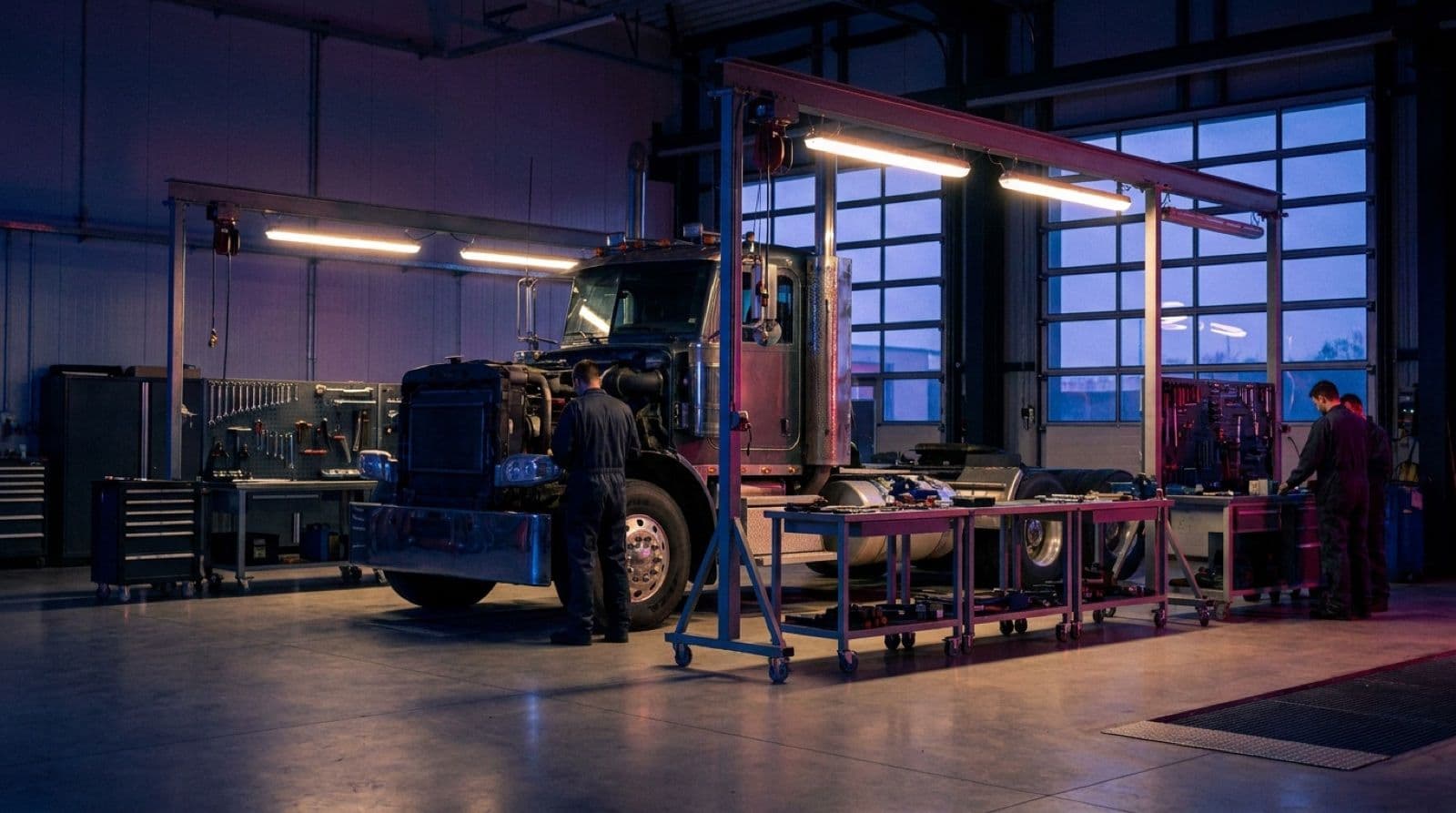
At 1-2 techs, you can run the whole shop out of your head. By tech #3 or #4, that breaks. Here's how to automate the workflow that actually matters - without losing the human touch.
At 1-2 techs, you can run the whole shop out of your head. By tech #3 or #4, that breaks. Jobs get lost, parts get missed, techs are waiting around, and the owner is "wrenching all day and invoicing all night."
MetaFleet's repair workflow automation turns that chaos into a clear, repeatable job flow you can actually grow on. Every job moves from request → dispatch → diagnosis → work → approvals → completion → invoice without relying on memory, sticky notes, or "go ask Mike."

What Is Repair Workflow Automation?
"Repair workflow automation" sounds fancy, but it's simple: Every job follows the same steps, in the same system, without you babysitting every handoff.
Instead of:
- A dispatcher taking a call and scribbling on a pad
- Techs walking around asking "what's next?"
- Service writers hunting people down to see if a job is done
- Admins waiting until Friday to figure out what can be invoiced
MetaFleet gives you a digital workflow where:
- Jobs are created once and live in one place
- Status updates come from the work actually happening
- Approvals and notifications fire when they're supposed to
- Jobs don't disappear just because someone forgot to yell across the shop
The result: fewer dropped balls, less chasing people, more jobs completed, and same-day invoicing becoming the default - not a heroic act.
The MetaFleet Job View: One Truth for the Whole Team
| Service Order | Company | Vehicle | Technician | Status |
|---|---|---|---|---|
| 260929-KTR-0052 | Otay Mesa Transport | 2021 Kenworth T680 | Luis Torres | En route |
| 260929-BQN-0049 | Cuyamaca Reefer Lines | 2021 Utility 3000R reefer trailer | Dana Park | Diagnosis |
| 260929-WMW-0047 | Pacific Crest Logistics | 2022 Freightliner Cascadia | Marcus Reyes | Estimate |
| 260928-HZD-0041 | Mission Valley Distribution | 2019 Peterbilt 579 | Kenji Watanabe | Repair in progress |
| 260926-XJV-0033 | Sweetwater Hauling | 2019 Caterpillar 320 excavator | Andre Castillo | Invoice |
In MetaFleet, every job lives as a card in a shared view, so the whole team sees the same picture of what's going on right now.
At a glance, each job card shows:
- Customer and location
- Asset (truck, trailer, or piece of equipment)
- Current service order status (Unassigned, Assigned, En route, Diagnosis, Estimate, Repair, Invoice, Paid)
- Assigned technician
Click into a job and you get the full story:
- Assigned tech, dispatcher, and admin
- Customer and contact details
- Complaint summary and any prior history
- Status history with timestamps (when it was assigned, when the tech went en route, when they arrived, when they marked it complete)
Owners, dispatch, and admins stop asking "where is that job at?" and start looking at the same screen, seeing the same truth.
Automation That Actually Matters (Not Cute Triggers)
MetaFleet uses automation to kill the boring, error-prone stuff that usually falls through the cracks.
1. Status-Driven Alerts & Handoffs
When a job moves to a new stage, or a step sits waiting on someone, MetaFleet can:
- Notify the right person when "extra work needs approval" so it doesn't sit buried in tech notes
- Tell the office the moment a tech submits finished work, so it can be checked and invoiced
- Alert your dispatcher when a booked job still has no tech, or the tech hasn't left in time to get there
- Flag work as overdue in the Action Center when nobody in the office picks it up, like an estimate to write or a finished job to review
You're not banging a gong in the middle of the shop or walking paperwork from desk to desk. MetaFleet quietly taps the right people on the shoulder when something needs attention.
2. Same-Day Invoice Flow
One of the biggest leaks in most shops: finished jobs that don't get invoiced for days or weeks.
With MetaFleet:
- Tech finishes the job and submits the work from their phone
- The job moves to Repair Complete, or to In Review first if you check techs' work before billing
- All the notes and work items the tech entered are already attached
- Admin reviews, cleans up any final details, and sends the invoice in a few clicks
You go from "Friday invoice marathons" to "we bill as we go," without adding more admin.
3. SOPs Built Into the Workflow
Instead of "just ask Mike how we do it," you start baking your standard operating procedures into MetaFleet itself.
- Set an auto-approval amount for each customer: estimates over it wait for the customer's OK before extra work starts
- Have a manager review estimates and invoices before they go out
- Use inspection templates and PM programs so every tech runs the same checklist on every truck
Those rules and requirements live in the system, not just in one person's head. Even when the usual decision-maker is out, the guardrails are still there, and the team knows exactly what needs to happen next.
4. Communication on Autopilot (Internal + Customer)
MetaFleet cuts down on all the "just checking in" noise without leaving people in the dark.
Internal notifications:
- Tech gets notified when a job is assigned or updated
- Manager gets pinged when an estimate or invoice needs their review
- Admin sees which jobs are newly ready for invoicing
Customer-facing updates: MetaFleet emails your customer at the key steps, for example:
- "Your technician is on the way."
- "An estimate has been created and requires your approval."
- "Your service is complete. Please view and pay your invoice."
You talk less, but communicate more. Customers stop wondering "what's going on with my truck?" because you're proactively telling them what stage it's in.
5. No More Double Entry
The old way:
- Tech writes notes on paper → admin retypes into a system
- Work is done in one tool → invoices are rebuilt in another
- Job details and times get re-entered multiple times, with different versions of the truth
With MetaFleet:
- Tech enters notes once; AI helps clean them into customer-ready language
- Status, time, and work performed live with the job from start to finish
- Invoices, bills and payments sync with QuickBooks Online without re-typing
- Photograph a vendor receipt and MetaFleet drafts the purchase order for you to check
Less typing. Fewer mistakes. More time spent fixing trucks and equipment instead of copying information from one place to another.
6. AI Support Built Into the Workflow

On top of the basic job plumbing, MetaFleet layers AI where it actually helps your team:
- Records and transcribes key dispatch / service calls
- Lets you review how jobs are being scoped and promised
- Flags what went wrong on each call so you can coach dispatchers and service writers - like misses or over-promises (pattern reports across calls are coming soon)
Think Gong/Chorus, but pointed at your shop, not a SaaS sales team.
- Techs can attach photos and describe what they're seeing
- AI helps frame the problem and potential next steps as a first line of defense
- When they still need a lead tech, all that context is already in the job
This keeps simple questions off your best people's phones and makes escalations smarter.
AI Repair Assist
- Takes messy tech notes and shorthand complaints
- Turns them into clear, structured work items and diagnosis language
- Produces text that is invoice- and customer-ready: complaints, cause, and correction that fleets actually understand
You're not asking techs to write novels. You let them talk/type like techs, and AI cleans it up so admins and customers don't have to decode it.
What This Looks Like Day to Day
Before MetaFleet
- Jobs live on a whiteboard, in text threads, and in different people's heads
- Techs chase service writers or owners for "what's next" and approvals
- Jobs that are "waiting on customer" or "waiting on someone" disappear for days
- Invoices are batched at the end of the week (if you're lucky)
- The owner walks the floor or calls people to figure out what actually got done today
After MetaFleet
- Every job is a card with a clear status in a shared view
- Techs see exactly what's assigned to them and what stage it's in
- Approvals, late starts and work nobody picked up trigger alerts instead of slipping through the cracks
- Invoices are part of the daily rhythm - finished jobs move to Repair Complete on their own
- The owner opens MetaFleet and sees: what's new, what's in progress, what's stuck, and what got finished and billed today
You trade "organized chaos" for actual, calm control.
Before vs After: Repair Workflow Without vs With MetaFleet
| Step | Old Way (Manual Workflow) | With MetaFleet Repair Workflow Automation |
|---|---|---|
| Job Intake | Call → scribble on pad / whiteboard | Call logged as structured job with customer & asset details |
| Dispatch / Assignment | Verbal handoff, "I told Jason to grab it" | Job assigned on a card; tech notified instantly |
| Work in Progress | Status lives in tech's head | Real-time status updates driven by actual tech actions |
| Waiting on Approval | Jobs disappear while waiting for a callback | Jobs sit clearly in "needs customer approval", and the office can resend the estimate in one click |
| Notes & Documentation | Paper forms, shorthand, lost notes | Notes/photos captured in job; AI cleans them into clear language |
| Invoicing | Batched at week's end from memory and scattered docs | Same-day: finished jobs move to Repair Complete with the tech's notes on the invoice |
| Communication | Techs and customers calling constantly for updates | Internal and customer notifications based on status changes |
| Management Visibility | Walk the floor, ask 10 people, squint at a whiteboard | One job view showing all work by stage and owner |
The Payoff: Why Bother Automating This?
When you wire up repair workflow automation inside MetaFleet, you get:
- More jobs through the same shop - Less waiting, fewer "lost" jobs, and faster handoffs means more work completed with the crew you already have.
- Fewer mistakes and rework - Approvals are captured. Notes are clear. Invoices reflect what actually happened on the unit or machine.
- A calmer, more predictable day - Everyone knows where to look. The job view becomes the single source of truth for "what's going on."
- Faster, cleaner cash - Jobs are ready to bill as soon as the tech is done. Fleets get clear documentation, which cuts down disputes and "can you resend that?"
- Better decisions as you grow - You can see where jobs are stacking up, which stages are bottlenecks, and which parts of the process need attention.
- Happier people - Techs spend more time fixing and less time chasing paper. Dispatch/admin spend more time running the day and less time tracking people down.
Who This Is For
MetaFleet's repair workflow automation is built for:
- Independent mobile diesel shops who need to manage chaos
- Mobile + shop hybrids trying to track both bay and field work in one place
- Heavy equipment repair operations that need a clean job flow for site work (more on heavy equipment dispatch)
- Any operation where the owner is tired of keeping the whole process in their head
If you've ever said "we're dropping balls because we're busy," this is aimed directly at you. Comparing systems? See how MetaFleet compares with Fullbay and ShopView.
FAQs
Ready to get jobs out of your head and into one system?
See MetaFleet in Action
Book a demo and we'll walk through how a job moves through your shop today, show you where MetaFleet fits, and build a simple rollout plan your team can follow.
Not ready to talk? Try a free shop tool
Related Articles

How Diesel Repair Shops Get Paid Faster
Where the days go between the last bolt and the bank, and the habits that close each gap: invoicing before the truck leaves, approvals in writing, easy payment, fleet terms and a weekly collections routine.
Why Tribal Knowledge Is Killing Your Shop's Growth (And How to Fix It)
Most diesel shops hit the wall around tech number three or four. Verbal updates and sticky notes don't scale. Here are three systems that create clarity without killing the operator-led culture.