
How to Set Your Shop Labor Rate
Build a diesel or heavy-equipment shop labor rate from your own costs and billed hours, split it by kind of work, check it against the market and raise it on a schedule.
To set a shop labor rate, add up a year of what an hour costs you: the tech, the building, the office staff and the profit you want. Divide by the hours you really bill, not the hours you pay. Then check it against nearby shops, split it by kind of work and raise it on a schedule.
Your shop labor rate has to cover what an hour of tech time costs you, the overhead that sits behind it and the profit you want, spread over the hours you can really bill. Start from your own books. Set a rate for each kind of work, write it down, and check it against your effective labor rate every month.
This guide is for owners and service writers at diesel and heavy-equipment shops. It shows you how to build the posted rate. To measure what you actually collect after unbilled hours and discounts, read effective labor rate. General information, not accounting advice.
What the rate has to pay for
An hour on the invoice pays for more than the tech. Count all of it:
- The tech. Wages, payroll taxes, benefits, training and paid time off.
- The building and the tools. Rent or mortgage, utilities, insurance, lifts, scanners, specialty tools and calibration.
- The people who don't turn wrenches. Service writer, parts counter, dispatcher, bookkeeper and you.
- The truck, for mobile work. Fuel, repairs, insurance, tires and the time spent driving.
- Shop supplies and disposal, if you don't bill them on their own line. See shop supplies charges.
- Profit. The money left after everything above, which pays for growth and for the bad month.
Build the rate from your own costs
- Add up a year of cost. Everything on the list above, from your books.
- Add the profit you want. Pick it before you look at the market.
- Count the hours you can bill. That is fewer than the hours you pay. A tech paid for a full week doesn't bill a full week. Waiting for parts, diagnosis nobody pays for, cleanup and comebacks eat hours. Use last year's real billed hours.
- Divide. Cost plus profit, divided by billed hours, is the rate you need.
The fourth step is the one shops skip. If you divide by paid hours instead of billed hours, the rate comes out too low, and you'll feel it as a shop that is busy and short on cash.
Check it against the market, then decide
Look at what other shops near you charge for the same work. Use it to check your number. If your market rate is under your needed rate, you have three choices: cut cost, bill more of the hours you pay for, or charge more and be ready to lose the customers who only shop on rate. Don't copy a rate you can't live on.
One rate or several
One rate for everything is simple and often wrong. Think about splitting by:
- Shop work and mobile work. A road call carries the truck, the drive time and the stock on board. See mobile mechanic rates.
- Day, night, weekend and holiday. After-hours work costs you more to staff and customers expect to pay more for it.
- Diagnosis and repair. Some shops charge diagnosis at a different rate because the skill is different.
- Fleet accounts. A fleet that sends steady work may get a different rate in writing. Put it in a written agreement.
Whatever you choose, it has to show on the estimate before the customer says yes. How you charge for the hours is its own decision. See flat rate vs actual hours.
Raising the rate
- Set a date and tell people early. Give fleet accounts notice that matches their agreement.
- Raise it on a schedule. A small raise every year is easier than a big one every few years.
- Raise it when your costs move. A new tech, a new lift or a higher rent changes the math.
- Fleet contracts. Put a yearly adjustment in the agreement. See how to structure fleet maintenance contract pricing.
Check it every month
Your effective rate shows what the posted rate really brought in. If the gap between the two grows, fix the hours you give away before you raise the price. The free Profit Leak Calculator takes your posted rate and your billed share of paid hours and shows what leaks.
Where MetaFleet fits
In MetaFleet, you set labor rates in your pricing settings, including time-based rates for day, night, weekend and holiday work. Techs enter their hours on the job, so the hours on the invoice come from the person who did the work. AI never sets your prices or labor hours. The customer approves each repair on the estimate from a link. See invoicing and payments or book a demo. Suggested labor hours on repair lines are on the wayComing soon.
FAQs
Ready to see where your labor hours go?
See MetaFleet in Action
Book a demo and we'll walk through how your shop sets rates and records hours today, show you where MetaFleet fits, and build a simple rollout plan your team can follow.
Not ready to talk? Try a free shop tool
Related Articles

Effective Labor Rate: What It Is and How to Figure Yours
The labor number that shows what your shop really earns for each hour you pay a tech. The plain formula, a worked example, what drags it down and how to raise it, starting with the hours you already pay for.
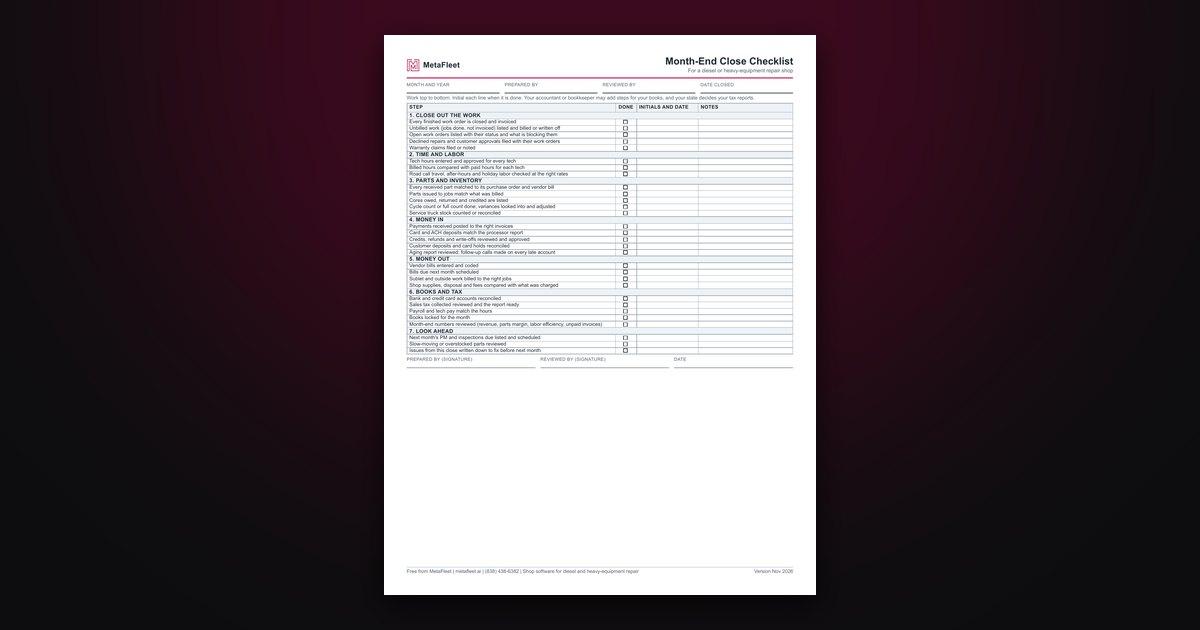
Month-End Close Checklist for a Repair Shop: Free PDF and Excel
A free month-end close checklist for diesel and heavy-equipment repair shops: close out jobs, check tech hours, count parts, post payments, chase aging and lock the books.