
How to Run a Fleet PM Program
How a diesel shop runs preventive maintenance for fleet accounts: the unit list, intervals, service lists, booking ahead, per-unit records and a weekly due list.
Running a fleet PM program comes down to a routine. Keep a list of every unit, give each one an interval and a due date, and book visits before they are due. Inspect on every visit, record what you did for each unit, and look at the due list once a week.
A fleet PM program works when every unit is on a list, every unit has a due date and somebody gets a reminder before it comes due. Build the unit list, set intervals from the maker's schedule, book visits ahead, do the service and the inspection, record it per unit, and review the due list every week. The records are what the fleet keeps paying you for.
This guide is for diesel shops that run PM for fleet accounts, in the bay or at the fleet's yard. What goes into PM A, B and C is in semi truck PM service. This guide is about running the program. The DOT rules are in the DVIR and inspection guide.
1. Start with the unit list
You can't service what isn't on the list. For each unit, get:
- Unit number, VIN, year, make and model.
- Type: tractor, straight truck, trailer, dolly or heavy equipment.
- Current mileage or engine hours. Most trailers have neither, so they run by the calendar.
- Last known PM date and what was done.
- Who at the fleet approves work on it.
2. Set the intervals
Set each unit's interval by miles or months. How to pick them is in the PM service guide.
3. Write the service lists
Write what each level of PM includes as a list of tasks, so every tech does the same visit and the fleet knows what it paid for. Keep the list short enough that it gets done. Anything beyond the list is a repair, and it goes on an estimate.
4. Book the visits ahead
- Pull the due list every week for the next few weeks.
- Offer the fleet two or three slots, or set a standing day for their yard.
- Confirm the day before. Missed visits are the usual reason a PM program slips.
- Group units from the same fleet into one visit, in the bay or at their yard.
5. Do the visit and inspect the unit
Pair the service with an inspection. Write down what you find, with photos. Anything that fails goes to the fleet as a repair on an estimate. That is where PM turns into repair work without a cold call. See how to get repair estimates approved.
6. Record it per unit
After every visit, record what was done, the mileage or hours, the date and who did it. For each vehicle a carrier controls for 30 consecutive days, 49 CFR 396.3(b) has it keep maintenance records. A per-unit history is what you show a fleet manager at a review, and it's the record they need if the unit is audited. See the fleet maintenance spreadsheet guide for what to keep and when it's time to move off a spreadsheet.
7. Review the due list every week
- Overdue. Which units are past due, and what is the reason?
- Due soon. Which are coming up, and are they booked?
- Not enrolled. Which of the fleet's trucks you already service aren't on the program?
- Repeat failures. The same defect on the same unit twice needs a repair.
8. Report back to the fleet
Send each fleet a short monthly summary: what you did, what's due, what you found. A fleet that sees the work every month doesn't wonder what it pays for at renewal. See how to keep a fleet maintenance contract.
Common mistakes
- Setting intervals by mileage only, so equipment and trailers never come due.
- No reminders, so the fleet only calls after a breakdown.
- Letting the due list live in one person's head.
- Giving the PM away so cheap that the repair work is the only profit. See how to structure fleet maintenance contract pricing.
Where MetaFleet fits
In MetaFleet, you build a PM program from your service tasks and set it due by months. Add a mileage interval for trucks. Heavy equipment runs by the calendar, and each visit logs its engine hours. Enroll one truck or a whole fleet, and MetaFleet tracks what is due on each unit and reminds the customer before it comes due. Fleets can book from the customer portal onto one calendar, and every enrolled truck has its own PM history. MetaFleet also lists a customer's trucks that aren't on a program, so you can email the fleet about adding them. Inspections run on your own forms from the tech's phone. See how PM works, mobile PM services or book a demo.
Sources (1)
Rule text as checked in our 49 CFR 396 guide on November 19, 2026 (eCFR current through November 18, 2026).
FAQs
Ready for a PM list that runs itself?
See MetaFleet in Action
Book a demo and bring one fleet's truck list. We'll show you the PM program, the reminders they'd get and the portal they'd use.
Not ready to talk? Try a free shop tool
Related Articles
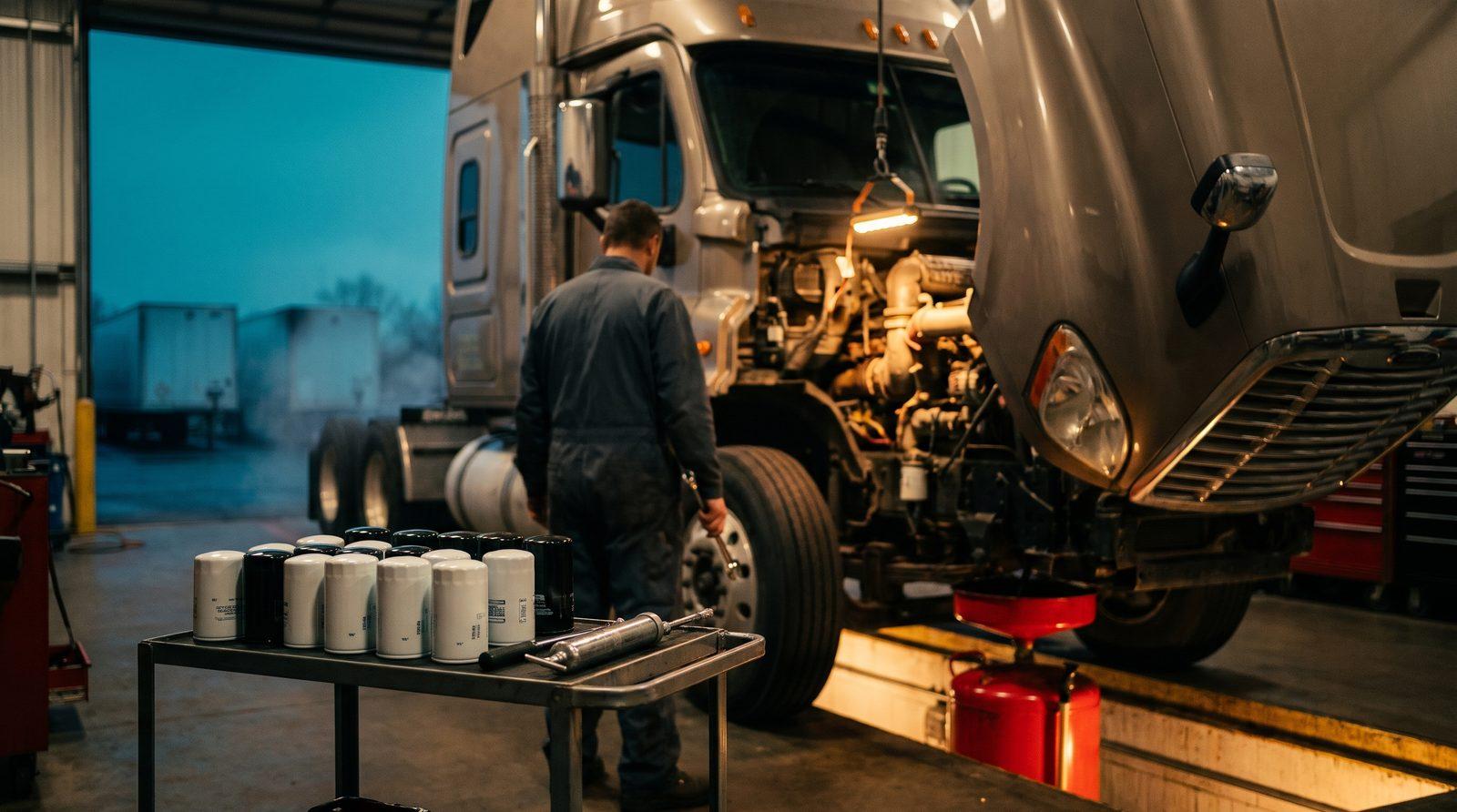
Semi Truck PM Service: What's in PM A, B and C, a Checklist, and What Drives the Cost
What PM A, B and C mean for a semi truck, an example checklist for each level, how to set intervals from the makers' schedules, and what makes one PM cost more than another, for shops and fleets.
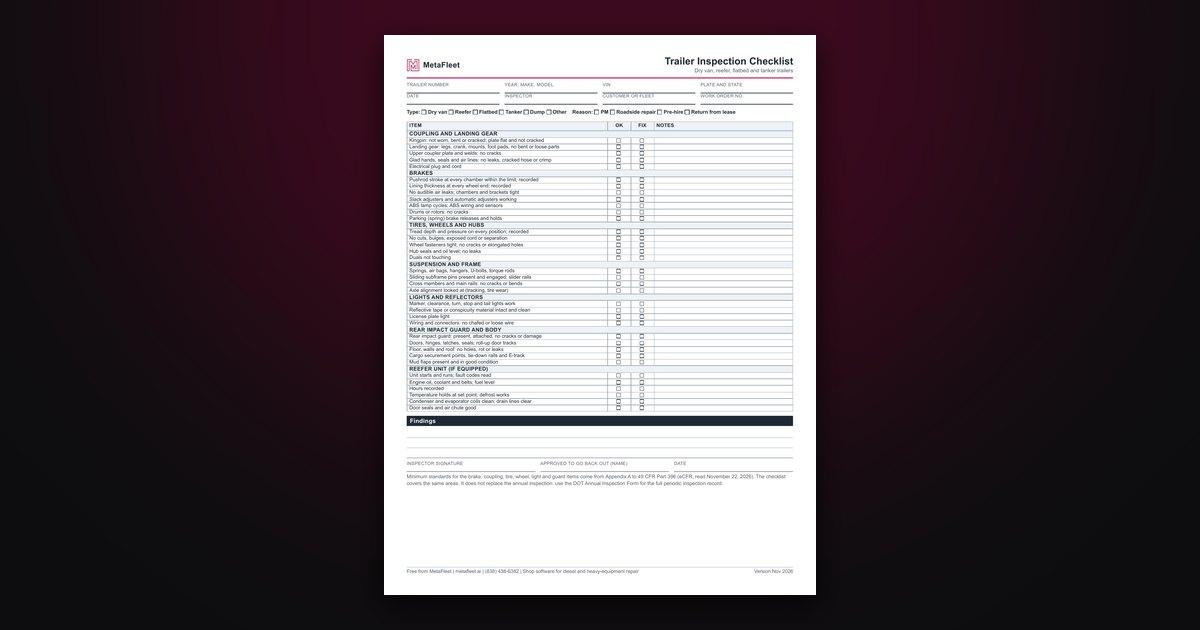
Trailer Inspection Checklist: Free Printable for Dry Van, Reefer, Flatbed, Tanker and Dump Trailers
A free printable trailer inspection checklist covering the kingpin, brakes, tires, lights, rear impact guard, body and reefer unit, with a findings box and sign-off.